




The Revenue-First Product Bundling Strategy for 2026
Successful bundling offers are rooted in understanding what your customers truly need and value.
Basil Khan
Jan 15, 2026 · 4 min
Instead of one bundle-wide price or percentage discount, every product can have its own adjusted price.

Basil Khan
Jan 15, 2026 · 4 min
Basil is the Co-Founder and CTO of Simple Bundles, where he leads product strategy and development. With deep experience building scalable systems for merchants, he specializes in the technical and operational challenges for back-office operations.
You've created a bundle with three products. One has a 70% margin. Another barely breaks even. And you're supposed to apply one flat discount to the whole thing? Nah.
Think about it... If you discount the bundle by 15%, you're giving away profit on your high-margin item while potentially losing money on the low-margin one.
That math doesn't work.
Even though the bundle looks good to customers, your margins tell a different story. And that story is always more important.
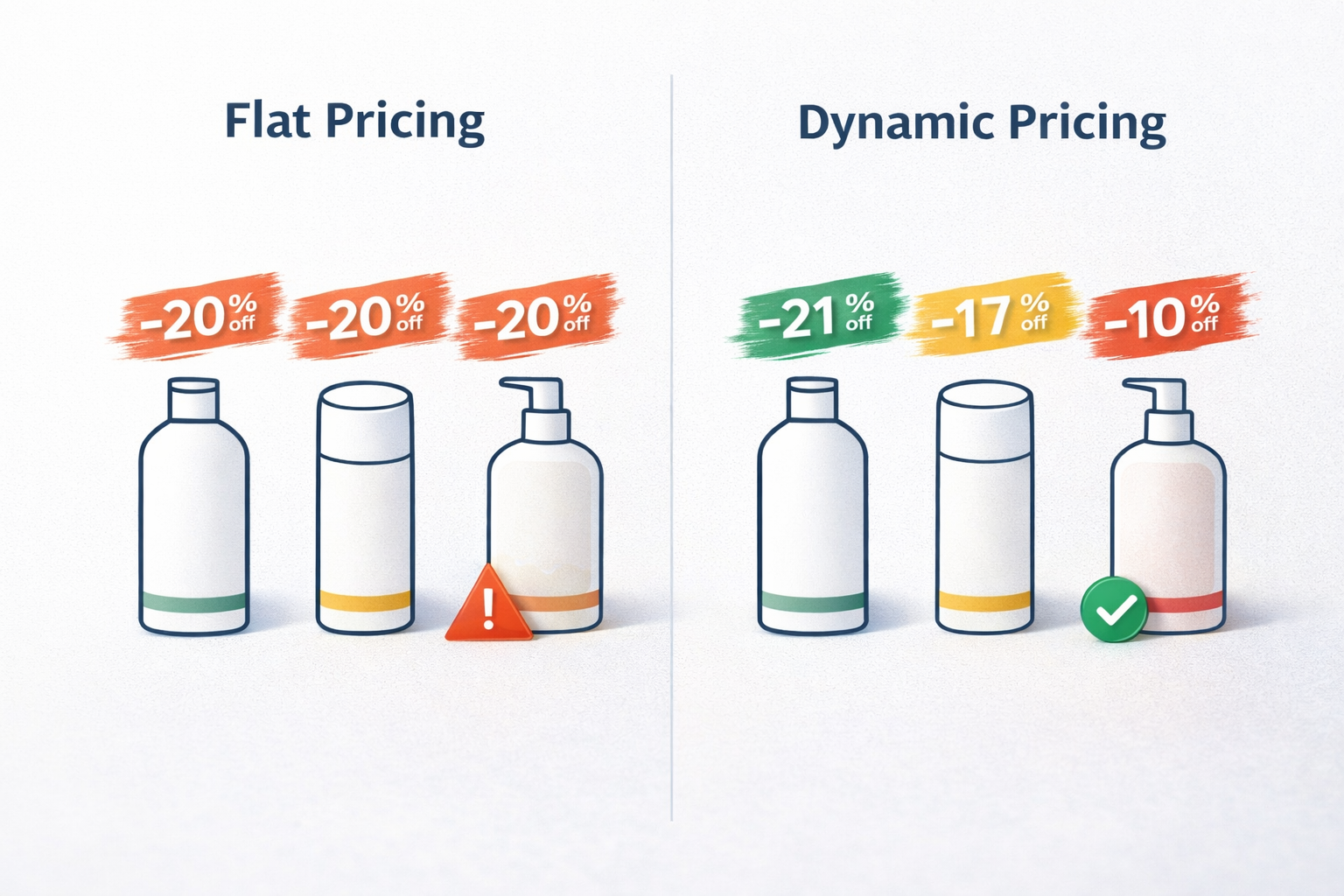
This is the flat-bundle-price problem. And it's why dynamic pricing exists.
Dynamic pricing in Simple Bundles lets you set a unique price for each item within a bundle. Instead of one bundle-wide price or percentage discount, every product can have its own adjusted price.
The bundle total is calculated by adding up the individual item prices. You control exactly how much discount (if any) applies to each component.
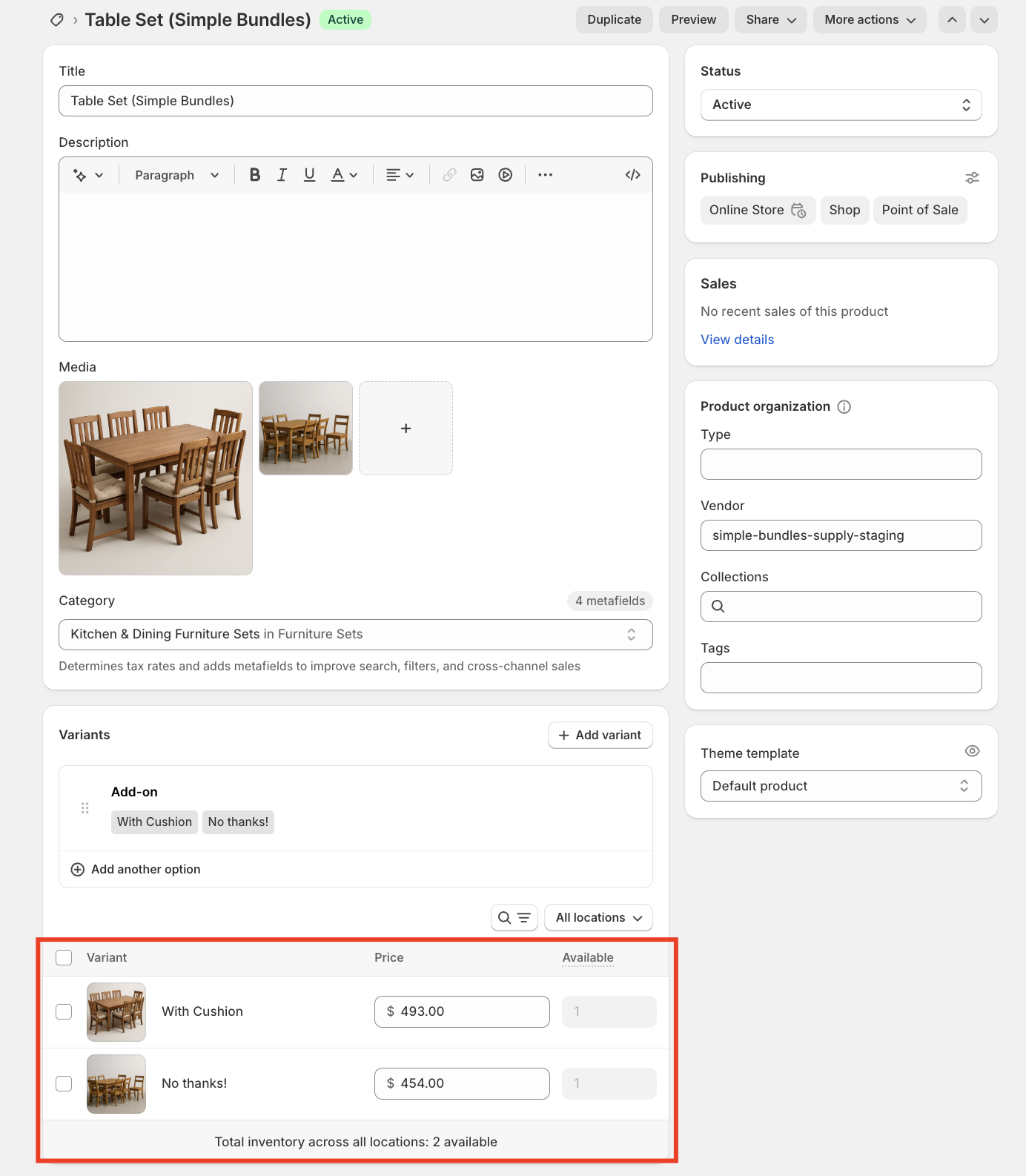
For merchants selling products with varying cost structures, this changes everything.
If your goal is to increase AOV, dynamic pricing is the move. You can protect margins on low-margin items while still offering attractive discounts on products where you have room to move.
Dynamic pricing adds flexibility, but it also adds complexity. Here's when it makes sense:
Use dynamic pricing when:
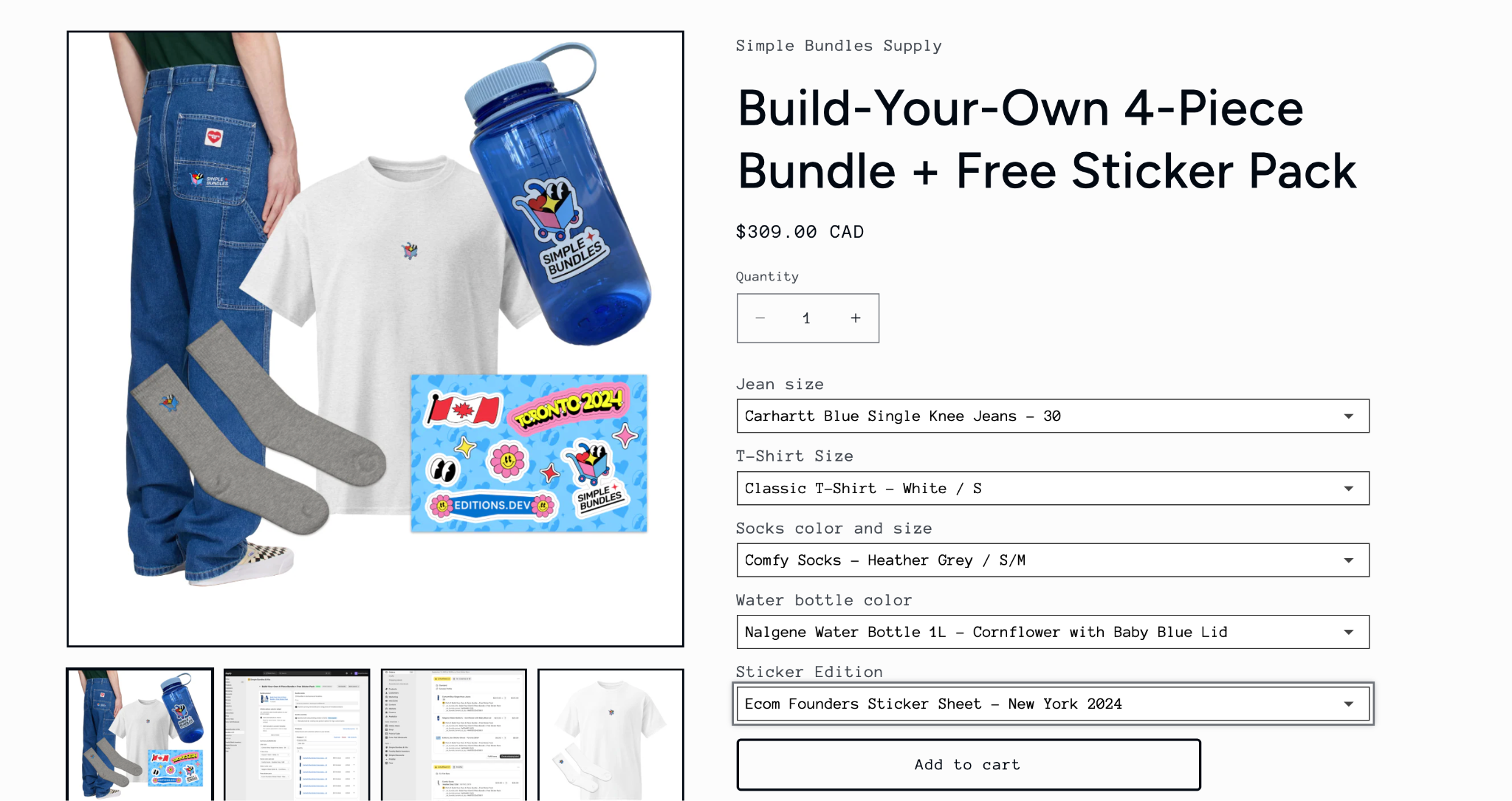
Stick with flat bundle pricing when:
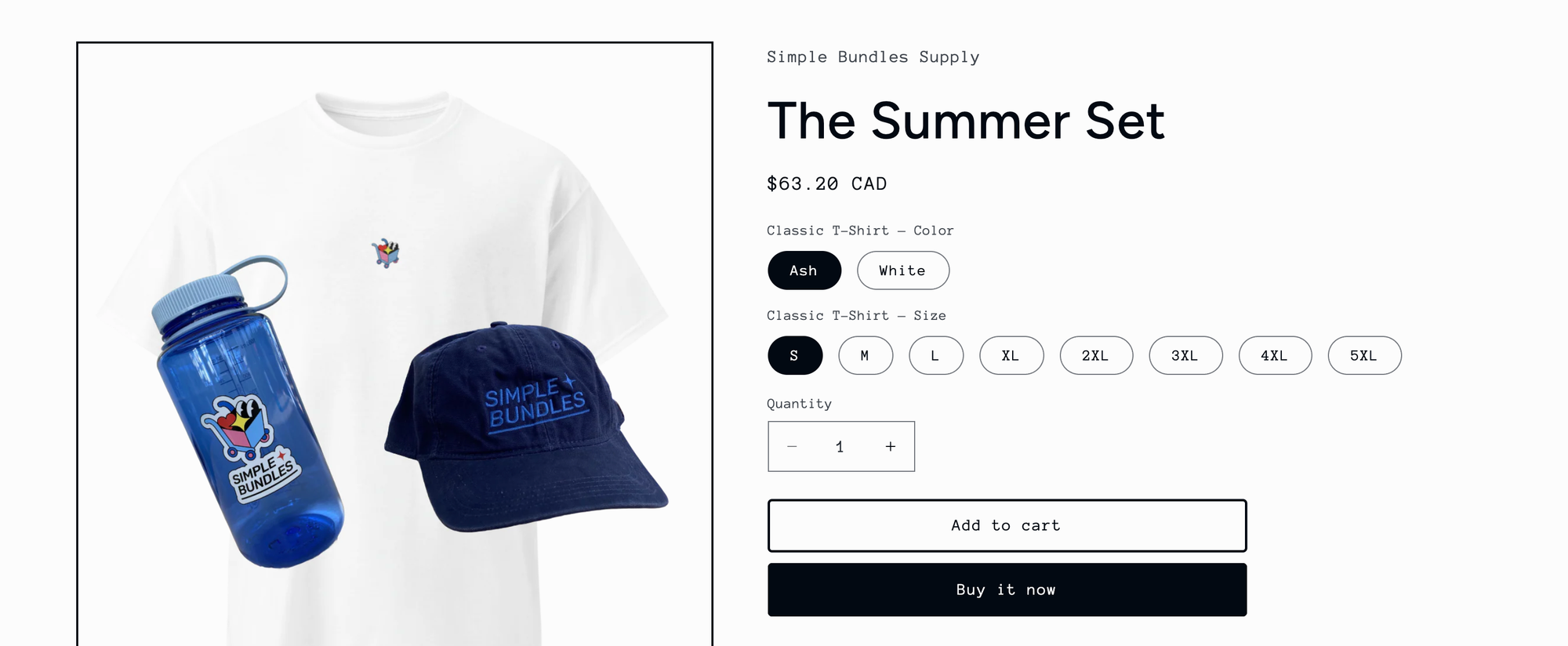
Here's how to enable dynamic pricing in Simple Bundles:
The bundle price your customers see will be the sum of all individual item prices.
Let's say you're a skincare brand building a "Complete Routine" bundle with three products:
| Product | Retail price | Your cost | Margin |
|---|---|---|---|
| Cleanser | $28 | $6 | 79% |
| Toner | $24 | $8 | 67% |
| Moisturizer | $42 | $18 | 57% |
Total retail: $94
If you apply a flat 20% bundle discount, the bundle sells for $75.20. That's $18.80 off the total. But where does that discount come from?
With flat pricing, it comes proportionally from everywhere, including your moisturizer where you only had 57% margin to begin with.
With dynamic pricing, you could structure it like this:
| Product | Bundle price | Discount |
|---|---|---|
| Cleanser | $22 | 21% off |
| Toner | $20 | 17% off |
| Moisturizer | $38 | 10% off |
Bundle total: $80
Same perceived value to the customer ($14 off), but you've protected margin on the product where you needed it most. Your cleanser absorbs more of the discount because you have room there. Your moisturizer stays closer to full price.
Every pricing strategy comes with pros and cons, and dynamic pricing is no different:
Pricing lives in Simple Bundles. Once you enable dynamic pricing, your bundle item prices are managed in the app. If you update prices in Shopify directly, those changes won't sync to your bundles. Make all pricing changes in Simple Bundles.
No CSV import/export. If you manage large catalogs via spreadsheet, dynamic pricing bundles can't be bulk-edited this way. You'll need to adjust prices in the app.
Shopify Markets price lists don't apply. If you use Shopify Markets with different price lists for different regions, dynamic pricing won't pull from those lists. It uses the prices you set in Simple Bundles.
Nested bundles aren't supported. If your bundle contains another bundle, dynamic pricing won't work for that structure.
For most merchants, these limitations are minor. But if you rely heavily on CSV workflows or Shopify Markets, factor that into your decision.
If your bundles include products with similar margins, flat pricing is simpler and works fine. But if you're bundling a mix of high-margin and low-margin items, dynamic pricing gives you the control to protect your profits while still offering customers a compelling deal.
Start with one bundle. Set individual prices based on what each product's margin can support. Test it for a few weeks and compare your margin per bundle against the flat-pricing approach.
That's the move.
Successful bundling offers are rooted in understanding what your customers truly need and value.
Affiliate marketing is basically paid ads, except you only pay when you make a sale.
When the parent bundle disappears, the attributes go with it. Here's how to avoid that.

